
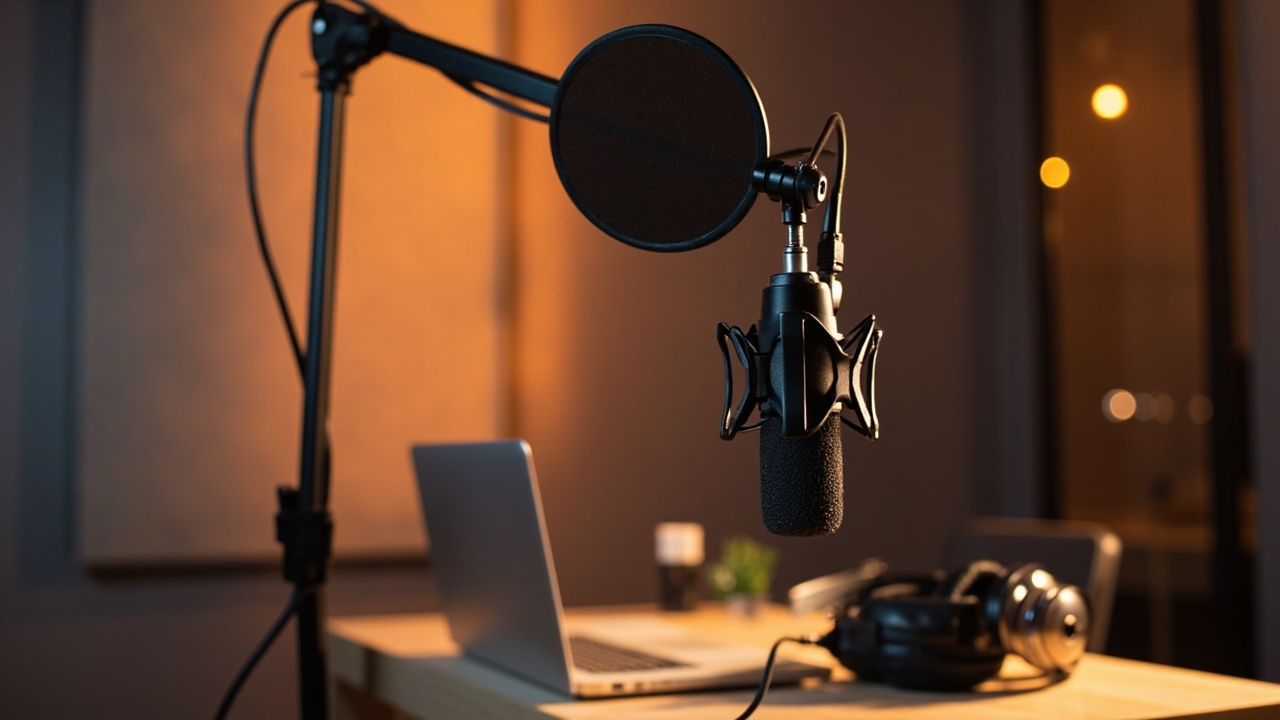
You can run a flawless 4K live stream… if the sound engages, the video falls apart. Viewers quickly leave a stream where the voice saturates or crackles. This article draws on on-set and living-room experience: I compare options, share concrete settings, and help you settle the central question “Micro YouTuber: which microphone to choose for streaming on YouTube” without unnecessary jargon.
The sound, the real engine of retention on YouTube
A clean image can forgive a shadow. A tiring voice, never. On a stream, speech carries your pace, your presence, and your credibility. A high-quality sound watch time, reduces listening fatigue and makes editing Shorts easier. It’s also a productivity gain: less noise to clean up, fewer takes wasted, more energy for the content.
Micro YouTuber: which microphone to choose depending on your streaming format
Facecam gaming or desk talk
Is your room untreated and the PC fans are running? Favor a dynamic microphone at a short distance, low sensitivity, mounted on a boom arm. It tolerates background noise better and mainly captures your mouth. Models with built-in processing (gate, comp, EQ) simplify the chain.
Voice-over, podcasts, calm tutorials
In a reassuring room, a condenser microphone offers a more detailed and airy voice. Place it off-axis to limit plosives, work on positioning and breathing. The higher sensitivity reveals the acoustics: curtains and rugs become your allies.
Vlog and mobile content
On camera, opt for a compact shotgun capsule, or a discreet lavalier mic. The script beats absolute perfection; stabilize your gain and tailor the mono master to stay intelligible on the move.
Music, dubbing, sung takes
Use a large-diaphragm mic in a controlled environment, with a pop filter and a high-pass filter. Anticipate the dynamic range gap and leave headroom: your peaks at -12 dB are your anti-clipping insurance.
USB or XLR: choosing the connection without getting it wrong
The USB connection is direct, practical, reliable. A good driver and it’s broadcast. XLR, on the other hand, opens the door to preamps, compressors, and mixers. An XLR output also allows you to evolve: you start on USB (on some hybrids), then you migrate to an interface without changing the capsule.
In a home studio, I keep a USB setup for improvised live streams and an XLR rig for scripted shows. Two workflows, no friction.
Capsule and directivity: taming your acoustics
Cardioid to isolate the voice in front, supercardioid to tighten the axis even more, omnidirectional for round-table discussions. The cardioid directivity remains the safe bet for solo streamers. The more the room resonates, the more you reduce the pickup angle and work the distance between mouth and mic.
A foam windscreen and a pop filter limit plosives. The boom arm brings the capsule to where you need it, out of frame but close to the source.
Dynamic vs condenser: decide based on the environment
Dynamics handle setups “open PC + mechanical keyboard + nearby noise”. Condensers enhance calm voices and whispers. This choice deserves real consideration: the detailed article “dynamic mic or condenser” will give you benchmarks if you’re torn between tonal texture and noise tolerance.
Proven recommendations: reliable picks in 2026
- Shure SM7B (XLR) – Broadcast reference. Requires a good audio interface or a solid preamp. Dense texture, elegant proximity.
- Shure MV7 (USB/XLR) – Clever hybrid. Apps and DSP useful. Easy to place near the mouth, scalable to XLR later.
- RØDE NT-USB – Neat plug-and-play condenser, comes with pop filter. Very good for voice-over, tutorials and steady streaming.
- Blue Yeti X – Multi-directional, practical presets. Best in a quiet office. Quick to get started.
- Sennheiser Profile USB – Exemplary ergonomics, direct controls. Clean capsule, clear voice for daily live use.
- RØDE PodMic / PodMic USB – Radio-like, punchy timbre; USB version to start, XLR for studio.
- MSI Immerse GV60 – Versatile for budget-friendly content, ready-to-use profiles.
- HyperX QuadCast / QuadCast S – Integrated suspension, instant mute, ideal for gaming.
- Blue Snowball – Solid entry-level for spoken voice, if the room is quiet.
If you’re torn between two popular USB mics, take a look at the Elgato Wave:3; its virtual routing is formidable for mixing voice, game, and music live: our field report remains relevant.
Accessories and settings that change everything
- Stand: a good boom arm frees the desk and stabilizes the position, a guarantee of consistency.
- Protection: pop filter + foam windscreen to calm plosives and breath.
- Chain: clean audio interface, short cables, stable power for XLR.
- Listening: favor live headphone monitoring; hearing yourself corrects your diction instantly.
- Gains: aim for peaks at -12 dBFS; a gain setting that’s too generous increases the background noise.
In OBS, a light high-pass at 80 Hz, a compressor with a 3:1 ratio, and a limiter at -2 dB. A prudent noise gate trims the keyboard, but doesn’t choke the ends of phrases.
Positioning: 80% of the result before processing
Place the mic at 10–15 cm, slightly to the side to avoid plosives, capsule at mouth height. Exploit the proximity effect for deeper bass presence without overloading the bottom of the spectrum. It’s better to bring it closer and lower the gain than the opposite.
Common mistakes to avoid
- Gain too high: you get a breathing noise. Fix it at the source and then apply processing.
- Desk vibration: without suspension, every knock comes through. A boom arm and a damper fix the issue.
- Extreme processing: excessive noise suppression = robotic voice. Prefer a quieter room.
- Uncontrolled latency: voice/video desynchronization. Align the audio/video delay in OBS.
You can deepen the reduction of interference with this guide dedicated to causes and solutions: reducing mic background noise.
Express comparison: which transducer for which context?
| Use | Recommended type | Examples | Major advantage | Caution |
|---|---|---|---|---|
| Gaming in a reverberant room | dynamic microphone, cardioid | Shure MV7, SM7B, PodMic | Noise rejection, dense voice | Requires proximity and a good preamp |
| Voice-over / tutorials | condenser microphone, cardioid | RØDE NT-USB, Yeti X | Details and clarity | Room ambience |
| Two-person podcast | Dynamic supercardioid | PodMic, SM7B | Less cross-talk | Tighter placement |
| Vlog on camera | Shotgun or lavalier | Compact shotgun mic, wireless lav | Mobility, discretion | Wind sensitivity |
| Music / singing | Large-diaphragm condenser | AT2035, NT1 | Harmonic richness | Acoustics to treat |
Budget: where to invest for a real quality leap
A decent microphone plus smart accessories often beats a “mythical” mic poorly used. Priorities: a capsule suited to your room, a stable stand, silent audio interface if XLR, a suitable closed-back headset for listening. Perceived improvements come more from acoustics and placement than from an exotic spec.
Starting workflow, step by step
- Install the mic at mouth height on a boom arm, windscreen and pop filter.
- Set the gain to target peaks at -12 dBFS when speaking loudly.
- Enable headphone monitoring to control breath and plosives.
- Adjust the directivity: cardioid for solo, omni only if there’s a round-table.
- Create an OBS scene with a gentle compressor and limiter; check A/V sync.
Real-life examples: small audio wins that change the game
On a League of Legends stream, switching from a USB condenser to a close dynamic mic removed the perceived fan noise at -45 dB. Result: less viewer fatigue and more chat discussions. On a voice-over tutorial, a simple heavy curtain behind the camera removed a troublesome 250 ms reverb; no plugin had corrected it properly.
Minute buying checklist
- Your room is noisy? Dynamic + cardioid + proximity.
- You want plug-and-play? Stable USB, direct monitoring and presets.
- You plan to upgrade? XLR port or USB/XLR hybrid version.
- You move around a lot? Lavalier or compact shotgun on the camera.
- Accessories: stand, pop filter, headset, minimal room treatment.
The producer’s note
The best choice isn’t the most expensive: it’s the one that fits your environment and the way you speak. Clean placement, simple tools, and an exacting ear are more than enough to sound “pro” on air. Set aside an hour to test, record, listen back, and correct; this routine is worth all the plugins.