
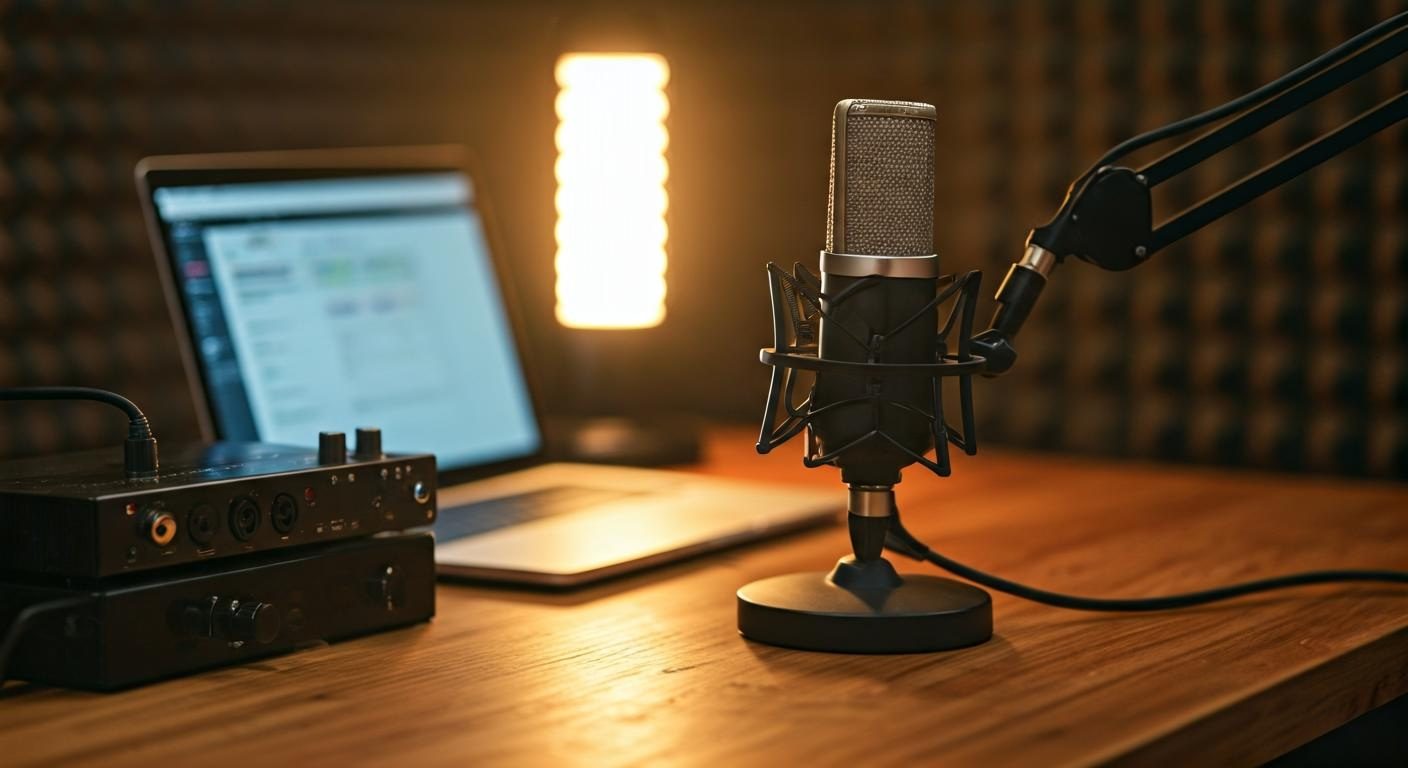
The directivity of a microphone is not an abstract concept reserved for professional studios. It determines what is captured at the front and what moves away from the capsule, directly influencing clarity and isolation. To visualize these effects, the polar diagram offers a simple mapping of responses according to directions. The cardioid, omnidirectional and bidirectional patterns act as directional filters, modulating the sound flow according to the environment and the recording objective. Understanding these concepts helps choose the right equipment without sacrificing ease of use. In this article, we explore practical implications and simple actions that durably change the sound quality.
Digging a little deeper, we discover that directivity also affects spatialization and noise management. Knowing how to read the polar diagram and being aware of possible orientations helps predict how the sound will diffuse around the microphone. The choice is not limited to the technical sheet: it is about anticipating real usage, ambient constraints and the level of background noise. To deepen these notions, you can consult specialized and practical resources, notably on the reference site. Also consult our guide on polar diagrams to gain precision.
Understanding microphone directivity and its practical implications
The directivity describes the microphone's sensitivity according to the direction of the sound's origin. In plain terms, a cardioid model reacts mainly to sounds coming from in front, limiting side and rear noises, and improves the isolation of ambient noise. This property directly impacts the spatialization and the way the voice or instrument stands out in the mix. Polar diagrams, present in the technical data sheets, offer a quick graphical representation of these behaviors. Careful reading allows estimating the ideal distance to place the mic and obtain a natural and uncolored capture.
In practice, directivity also influences lateral rejection and the ease of work in post‑production. The more restricted the opening angle, the more the peripheral noise is neutralized, but the less immersive the sound scene will be. Conversely, a wide directivity brings more ambiance, at the risk of letting in undesirable noises. The art lies in the balance between placement and distance: aiming for a position that maximizes clarity while preserving a certain naturalness. For beginners, the trick is simple: test several positions and validate with critical listening.
Cardioid, omnidirectional and bidirectional: the basics
The cardioid configuration is the most widely used choice for vocals and live performances; it favors the front and excludes the rest, facilitating voice isolation and reducing room noise. The omnidirectional mode captures evenly around the sensor, creating a wider spatial sense and useful for full-ensemble recordings or mobile sources. Finally, the bidirectional mode prioritizes the fronts and backs while cutting the sides, practical for face‑to‑face interviews or radio duos. Each mode relies on a pickup geometry and simple rules that guide placement.
In everyday choice, it is common to combine these modes with ergonomic mounts and suitable pop filters. If you are planning a progressive learning, try all three models during a single recording session to feel the nuances between clarity and ambiance. For further readings and illustrated examples, browse the online resources dedicated and, if the topic interests you, visit the reference site to deepen.
Directivities more specialized: supercardioid and hypercardioid
Supercardioid and hypercardioid variants strengthen lateral and rear isolation, at the cost of a narrower forward beam. They offer better rejection of peripheral noises when the environment is rich in disruptive sounds, such as on stage or in a busy office. Their beam is sharper, allowing to gain clarity on distant sources or when several sources must be separated. In return, they require more precise placement: shifting the microphone slightly can strongly change the result.
In controlled environments, these directivities provide increased precision and reduced reflections. They prove useful during interviews in reverberant spaces or in studios where one seeks to minimize stage feedback. As always, experimentation guided by listening remains the best method to evaluate the real contribution of these variants.
Understanding polar diagrams and microphone orientation
Learning to read a polar diagram means identifying the areas where the capsule is most sensitive. This skill combines with the microphone orientation: aim directly at the source and avoid angles that absorb ambient noises or surfaces that generate troublesome reflections. For beginners, mentally tracing a cone around the sensor helps quickly estimate capture effectiveness. Following the front–back axis and adjusting the microphone according to the main source helps build a sound scene that is clearer and truer.
Another practical point concerns issues related to the environment. For example, in a poorly treated room, a cardioid can expel a large part of reflections, while an omnidirectional will require more substantial acoustic treatments. Ultimately, knowledge of angles and distances becomes a lever of quality to compose a setup. To deepen, the partner site offers didactic resources and examples of suitable equipment.
How to choose directivity based on use
The choice of directivity depends strongly on the context: studio, live, podcasts or interviews. In a quiet space, a well‑positioned cardioid can offer a clear and natural voice, with sufficient isolation to avoid background noises. In a dynamic environment, an omnidirectional configuration can capture ambient nuances useful to reproduce the space, but it can also amplify undesirable noises. The goal is to harmonize distance, placement and isolation objective to achieve the desired result without resorting to heavy post‑production processing.
- In studio, prefer cardioid for solo voices and instruments, to obtain natural clarity and effective isolation.
- In live settings, adopting supercardioid or hypercardioid configurations can be useful when the sonic environment fills up quickly and you want to avoid feedback and lateral noises.
- For podcasts or varied interviews, a mixed approach alternating cardioid and bidirectional can offer a voice that projects and a sense of spatial depth without major unwanted noise.
For a studio or podcast recording setup, ideal positions involve a distance of about 15 to 30 cm between the capsule and the mouth, adjusted according to the vocal level and the source dynamics. This proximity provides the fullness of transients and minimizes variations related to distance. To deepen this topic and access illustrated guides, a resource library is available and can greatly help structure your approach.
Studio or podcast recording
In the studio, cardioid remains a default choice for voices, offering a targeted response that highlights diction and intelligibility. Place the microphone slightly below the mouthline and aim downward to avoid marked plosives. If the space is reverberant, adding a shield in front of the grille and reducing reflections can make the difference. For podcasts, favor a constant distance and a linear capture to provide real stability.
Practical tip: to better understand the nuances of these configurations, take the time to compare results by recording short excerpts with different directivities. You will notice that, depending on the style and tempo, a single take is not enough. The goal is to establish a recording routine that prioritizes clarity and naturalness, without unnecessary tension. For additional guidance and concrete examples, the guided journey on the reference site can be helpful.
Interviews and voice-overs in varied environments
In interview setups, directional patterns provide valuable help to isolate the voice while maintaining a rich sonic presence. The use of a bidirectional microphone can be suitable when the interviewer and interviewee face each other, while cardioid is better when addressing a single source in a quieter setting. The goal remains to preserve clarity and intelligibility without muffling timbre nuances.
To optimize the environment and avoid common traps, make sure the orientation matches the source and that room reflections do not blur the sound image. One classic trap is placing the microphone too close, which amplifies breathing noises and plosives; another is ignoring dead angles that let in unwanted sounds. To deepen, look at practical guides on the subject, useful and quick to browse.
Best practices and traps to avoid
To fully benefit from directivity, a few simple rules can make all the difference: test placement in several positions, avoid problematic angles and control the relative distance to the source. The proximity effect can boost the bass and flatten the mids if the mic is too close; maintaining a logical distance helps achieve a natural and dynamic image. The issue of ambient noises can also be managed with careful orientation and, if necessary, modest acoustic treatments.
The ideal loop is guided by listening: plan quick takes to compare the effects of different directivities and quantify the differences between versions. In practice, the routine of placement and positioning should become a habit rather than an isolated test. To go further and benefit from proven examples and methods, explore specialized resources and simple diagrams that contextualize the choices.
Giving precision and breadth to each take, according to the context
In summary, mastering directivity is a concrete lever for sound quality. The choice of pattern, orientation and distance directly influence isolation, clarity and the spatial feel. In studio and live alike, aiming for a faithful capture that leaves room for mixing and digital restitution is essential. Critical listening remains the most reliable tool to validate the settings and refine the process across takes.
Experiment with the configurations and note the results that seem the most natural and effective in each context. You will gain consistency and confidence in future sessions. For those seeking practical references and concrete examples, the guided journey on the partner site can be enriching and quick to browse.
To go further and discover additional resources, do not hesitate to consult the reference site. There you will find technical data sheets, placement tips and user experiences that perfectly complement this guide and can inspire your next recording.