
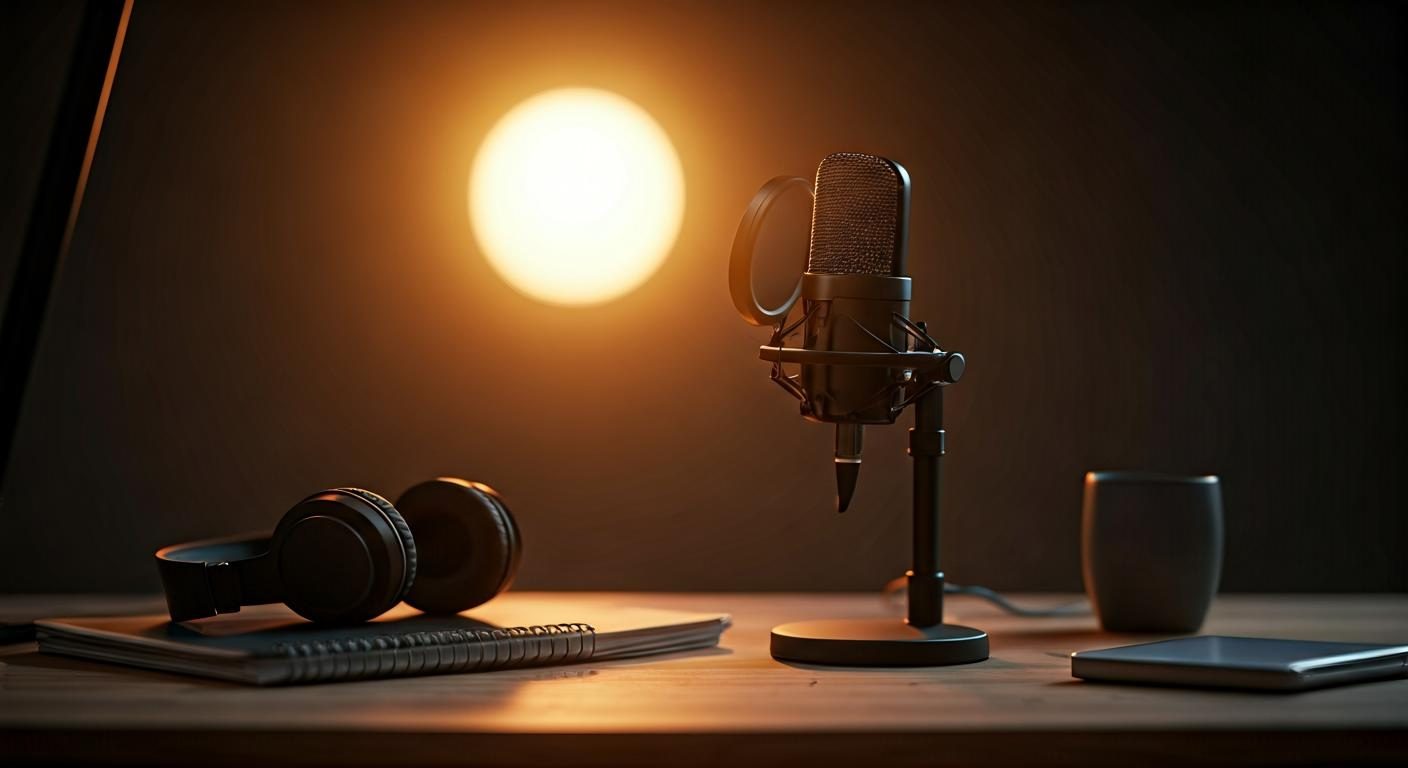
You’re looking for a clear, no-nonsense review of the HyperX QuadCast HX MICQC BK for voice, streaming, and online gaming. I spent several days with this mic on the desk, live, in meetings, and in voice-over recording. Here’s what it actually delivers over time, for a demanding user but not a sound engineer.
First impressions and the audio promise
Out of the box, the HyperX QuadCast presents itself as a ready-to-use microphone. No driver, cable plugged in, you select the source in the OS, and off you go. This plug-and-play aspect pleases gamers, streamers, and busy podcasters.
The tested model is the reference HX MICQC BK, the classic QuadCast with red lighting. It does not rely on any third-party software to operate, which simplifies life on Windows, macOS or compatible consoles.
Ergonomics, mounting and finishes under the magnifying glass
The cylinder mounted in a spider stand is supplied with a stable desktop base. The setup inspires confidence, even if the orientation is more limited than on an articulated arm. An adapter ring is included to suspend it on a standard 3/8” or 5/8” boom.
In daily use, I appreciated the tactile mute button on top. A discreet gesture cuts the signal, the red LED goes out, and no one hears your unexpected sneeze in the middle of a stream.
Connectivity, controls and handy usage tips
On the lower front, a gain knob manages input sensitivity. At the back, a selector changes the pickup pattern. The mini-jack output allows headphone monitoring with zero latency, handy for checking breath and mouth distance.
The spider does its job as a shock-absorbent suspension, but I still recommend a microphone arm for desks prone to vibrations. The USB cable is long enough to route around the monitor and avoid tension.
Recording tests: voice, streaming, and home studio
Place the mic at 15–20 cm, slightly angled, and speak at a normal level. The voice comes out full, round, with moderate bass and a tidy presence. For streaming, the result is immediately usable without EQ. This is its first strong point.
In video meetings, the timbre remains natural and intelligible, even in a medium-sized room. In voice-over, a gentle high-mid EQ further refines diction, but it isn’t mandatory to publish.
Directivity settings: when to use each mode
The QuadCast offers four directivities. Knowing their use changes everything. A quick reminder to aim correctly:
- cardioid: focused in front, ideal for solo streaming and calls.
- bidirectional: two poles facing each other, perfect for a two-person interview.
- omnidirectional: captures everything around, useful for a round-table discussion.
- stereo: wide stage, ambience or instrument/vocal duo.
If this concept is new to you, this guide on the microphone directivity will help you visualize the impact of placement and angle.
Handling of background noise and room acoustics
The condenser capsule is sensitive. A mechanical keyboard, an energetic mouse, a fan too close quickly make their way into the track. The internal pop filter limits plosives, but an additional screen is welcome if you put your mouth right up to the mic.
My “ready to succeed” settings: cardioid, gain at 30–40%, distance of 20 cm, mic offset 30° from the axis, foam or external pop filter. We isolate the desk from vibrations and lower the monitoring volume to avoid any microphone feedback.
Measurements and formats: what the numbers deliver
The QuadCast samples at 48 kHz / 16-bit. It’s standard for live streams and more than enough for quality podcasts. The response covers the fundamentals of spoken voice, with a clean low end and a high-mid that’s fairly flattering for diction.
In our test tracks, consonants snap cleanly, without harshness. The sibilants are controlled by distance and angle rather than a de-esser in most cases.
Micro‑case studies: placements that make a difference
- Streaming solo: cardioid, side boom, capsule at mouth height, 30° angle, low gain. Clicks become discreet and the voice stays dense.
- Interview face-to-face: bidirectional, mic centered, equal distance between speaker and mic. Check balance in headphones before recording.
- Round table: omnidirectional, place in the middle, ask participants to keep a regular 25–40 cm distance.
- Ambience/voice: stereo, a pleasant scene for a guitar and spoken voice, watch out for room noise.
Quick comparison: against two USB references
Compared to the Blue Yeti, the QuadCast offers a more modern aesthetic, a better-integrated mute, and a slightly rounder vocal tone by default. The Yeti remains very versatile, but its gain knob is firmer and its base transmits more shocks without an accessory.
Compared to an Elgato Wave:3, the HyperX responds with its four capture modes. The Elgato appeals with its software ecosystem and onboard processing, interesting for creators who mix multiple sources live.
Limitations observed and simple solutions
Extreme proximity: the “p” and “b” still pop through at times, despite the anti-pop. A cheap external pop filter fixes the issue. The desk stand absorbs part of the shocks, but a boom arm and a damping mat under the keyboard greatly improve listening comfort.
In a reverberant room, the HyperX remains honest, but heavy curtains or a bookshelf behind you quiet the echo. A rug on the floor already changes the perception at the mic.
Pricing, bundle and positioning
You can find the QuadCast between €120 and €150 depending on promotional periods. At this price, you get the mic mounted in a spider, the desk stand, the screw-on adapter, and the USB cable. No software required, no complication.
If you prefer advanced lighting effects and app-based control, note that the “S” version adds RGB LEDs and aesthetic options. In terms of sound, the two remain very close.
Quick table: scenarios and recommended settings
| Usage | Directivity | Placement | Tip |
|---|---|---|---|
| Streaming solo | Cardioid | 15–20 cm, angle 30° | Low gain, light compressor in post if needed |
| Podcast duo | Bidirectional | Centered mic | Test balance in headphones before recording |
| 4-person meeting | Omnidirectional | In the middle of the table | Ask not to touch the table while speaking |
| Ambience/voice | Stereo | At mouth height | Avoid overly reverberant rooms |
Technical: what’s inside the capsule
The QuadCast is a condenser microphone, sensitive and precise on transients. To understand this operation and its advantages over dynamic models, this piece on the condenser microphone covers the essentials without jargon.
In practice, this architecture captures voice nuances with ease, but requires a controlled environment. It rewards careful placement and gain.
Verdict: who is the QuadCast for?
For a creator who wants clean sound, instant setup, and a confident aesthetic, the QuadCast delivers. Streamers, beginner-to-intermediate podcasters, and meticulous remote workers will find a simple and reliable ally.
Sound engineers or musicians seeking a fully modular chain will lean toward XLR. Others will benefit from a homogeneous USB microphone, pleasant and flexible enough to cover the majority of vocal uses.
Credible alternatives to consider
- Elgato Wave:3: built-in mixing software, peak control, ideal for multi-source streaming.
- Rode NT‑USB: smooth rendering, included pop filter, a solid contender for spoken voice.
- Blue Yeti X: level display and advanced controls, a premium version of the Yeti.
- Switching to XLR: if you want to evolve, an interface and a studio mic will open up other horizons.
Whichever model you choose, take time to listen to your recordings, adjust the gain, and fine-tune your position. These details matter more for the final quality than any magic button.